Redact client documents without sending them anywhere.
Qvault finds names, ID numbers, addresses, bank details and other personal data in PDFs, Word files and scanned pages. You review every finding, then export a copy where the redacted text is really gone.
macOS, Windows and Linux · MIT License · no account, no licence key, no telemetry
Read the story: why I built Qvault, and what the measurements showed →
Your documents stay on your device.
Documents are opened, scanned, reviewed and exported locally. No document, extracted text or detection result is ever sent to us or to anyone else. There is no cloud service behind Qvault.
No document data leaves the device
Text extraction, OCR, detection and export all run on your computer. Imported documents stay in a private folder on your device; protect it with full-disk encryption.
Network only for models you ask for
The only network use is an optional model download that you start yourself. Qvault shows the file size first, downloads over HTTPS, and checks the SHA-256 before the model is used.
Works fully offline
Layers 1 and 2 need no model at all. AI models can be imported from a file, so air-gapped machines can use every feature.
Open, review, export.
1 Open a document
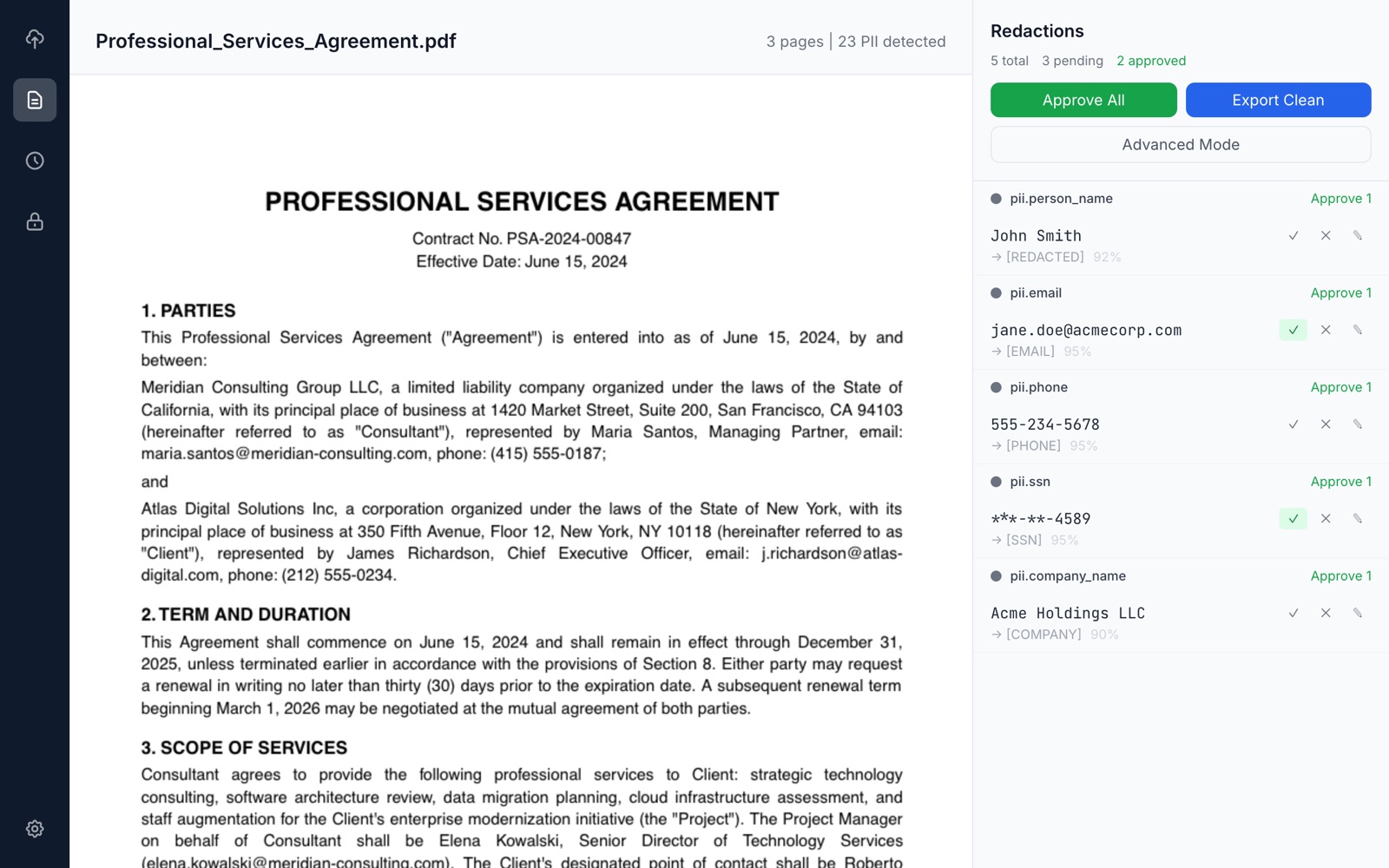
Drop in a PDF, a DOCX, or a scanned page (PNG, JPG, TIFF). Qvault extracts the text, using on-device OCR where there is no text layer, and scans it for personal data.
2 Review every finding
Each detection is highlighted in the document with its category, confidence and the layer that found it. Approve, reject or edit it, or select text to add your own.
3 Export a clean copy
Only approved redactions are applied. Qvault re-reads the exported file and refuses to save it if any approved text can still be found in it.
Three layers, each one optional to trust.
Each layer catches things the previous one misses. Later layers skip text that an earlier layer already matched.
1 Patterns
Regular expressions for structured data: email addresses, phone numbers, card numbers, IBANs, IP addresses, URLs, dates and amounts, plus jurisdiction sets for the US (SSN, EIN), the EU (VAT numbers), Brazil (CPF, CNPJ) and Germany (Steuernummer).
2 Heuristics
Context rules for what patterns cannot describe: names of people (titles, roles, “represented by”), company names with legal suffixes (LLC, Inc, GmbH, LTDA, EIRELI…) and addresses.
3 Local AI optional
OpenAI Privacy Filter labels each page in one pass and suggests personal data that rules miss; an optional thorough pass with a small language model can follow. It runs through Tether’s QVAC SDK in a bundled helper process that talks to Qvault over standard input/output and opens no network sockets.
Nothing is redacted automatically.
Detection tools make mistakes in both directions. Qvault treats every finding as a suggestion: it lists the text, the category, the confidence and the layer (pattern, heuristic or AI) so you can judge it, and it applies only what you approve.
- Approve or reject one finding, all occurrences, or everything at once.
- Advanced mode: select any text in the document to add a manual redaction.
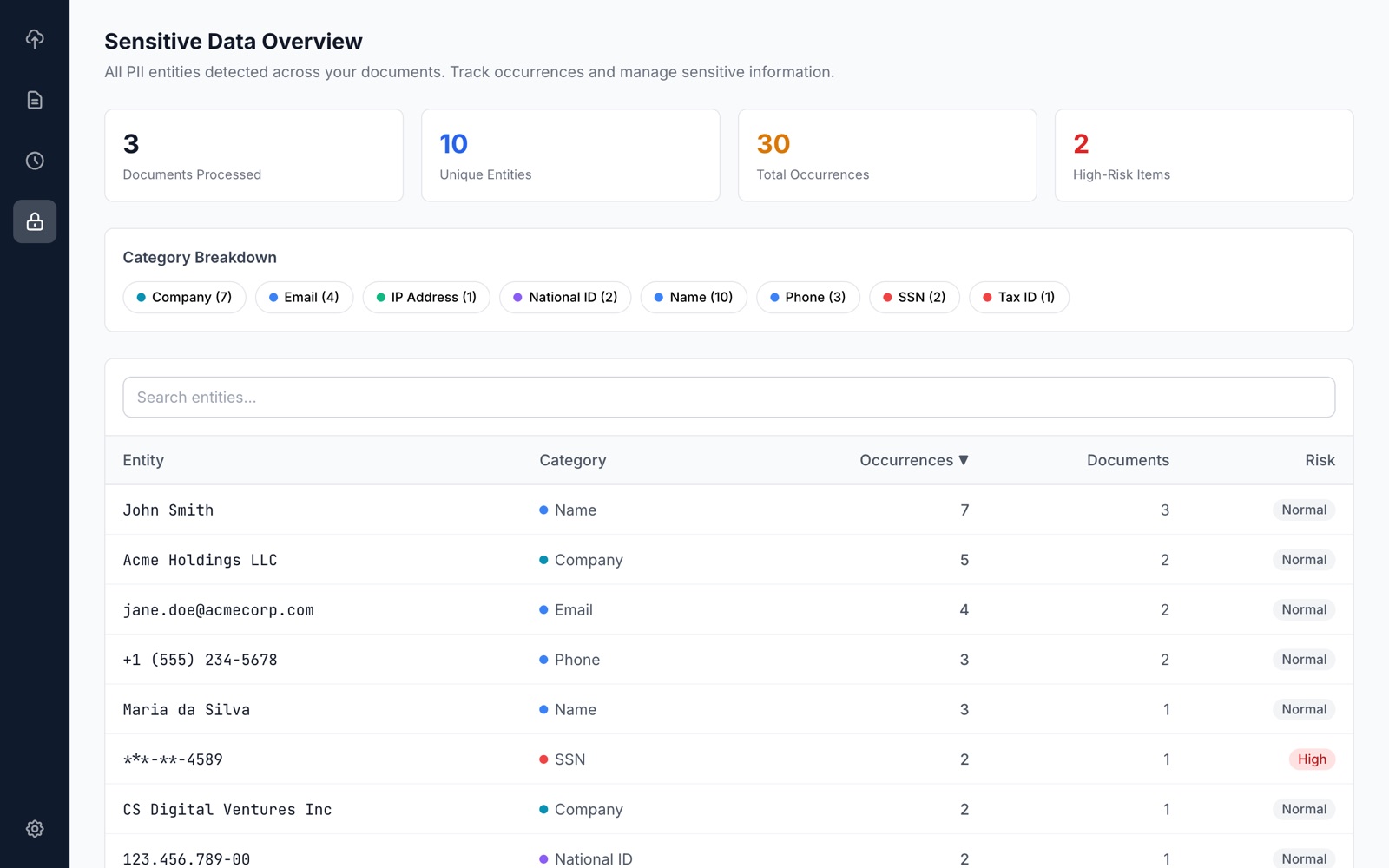
- Entity groups link the spellings of one name or number across documents (“Maria Santos”, “Santos, Maria”, “Ms. Santos”). Uncertain matches wait for your review, and a known name that a new document’s detectors missed is suggested for redaction.
- An audit log records actions (uploads, scans, approvals, exports, model changes) without document text.
Scanned PDFs and images, read on your computer.
Many legal files are scans with no text layer. Qvault runs optical character recognition locally with QVAC OCR: an EasyOCR-style CRAFT text detector and a Latin-script recognizer, both as GGUF models on your machine.
What it covers
- Scanned or image-only PDF pages.
- PNG, JPG and TIFF images.
- Latin-script languages such as English, Spanish, Portuguese, German and French.
- Recognised text goes through the same three layers and the same review.
What to expect
OCR runs on the CPU and takes seconds per page, not milliseconds. Recognition is never perfect: check scans with extra care, especially email addresses and numbers broken across lines.
The two OCR model files are a one-time manual download. See the setup steps and checksums.
Redactions that cannot be copied back out.
A black box drawn over text is not a redaction if the text is still underneath. Qvault removes it.
- Every page with an approved redaction is turned into an image and the boxes are burned into the pixels. The old text, fonts and annotations of that page are dropped.
- Document metadata, XMP, outlines, forms, attachments and scripts are stripped from the whole file.
- Export is refused if an approved redaction could not be placed on the page, or if approved text appears on a page that is not being redacted.
Word (DOCX)
- Run-aware redaction: text split across formatting runs is still found and replaced.
- Body, headers, footers, footnotes, endnotes, comments and tracked changes are all covered; deleted revision text is removed.
- Comment and revision authors and document properties are blanked; the page thumbnail is removed.
Every export is verified. After writing the file, Qvault extracts its text again. If any approved string survives, the file is deleted and the export fails with an explanation.
A desktop app built for review work.
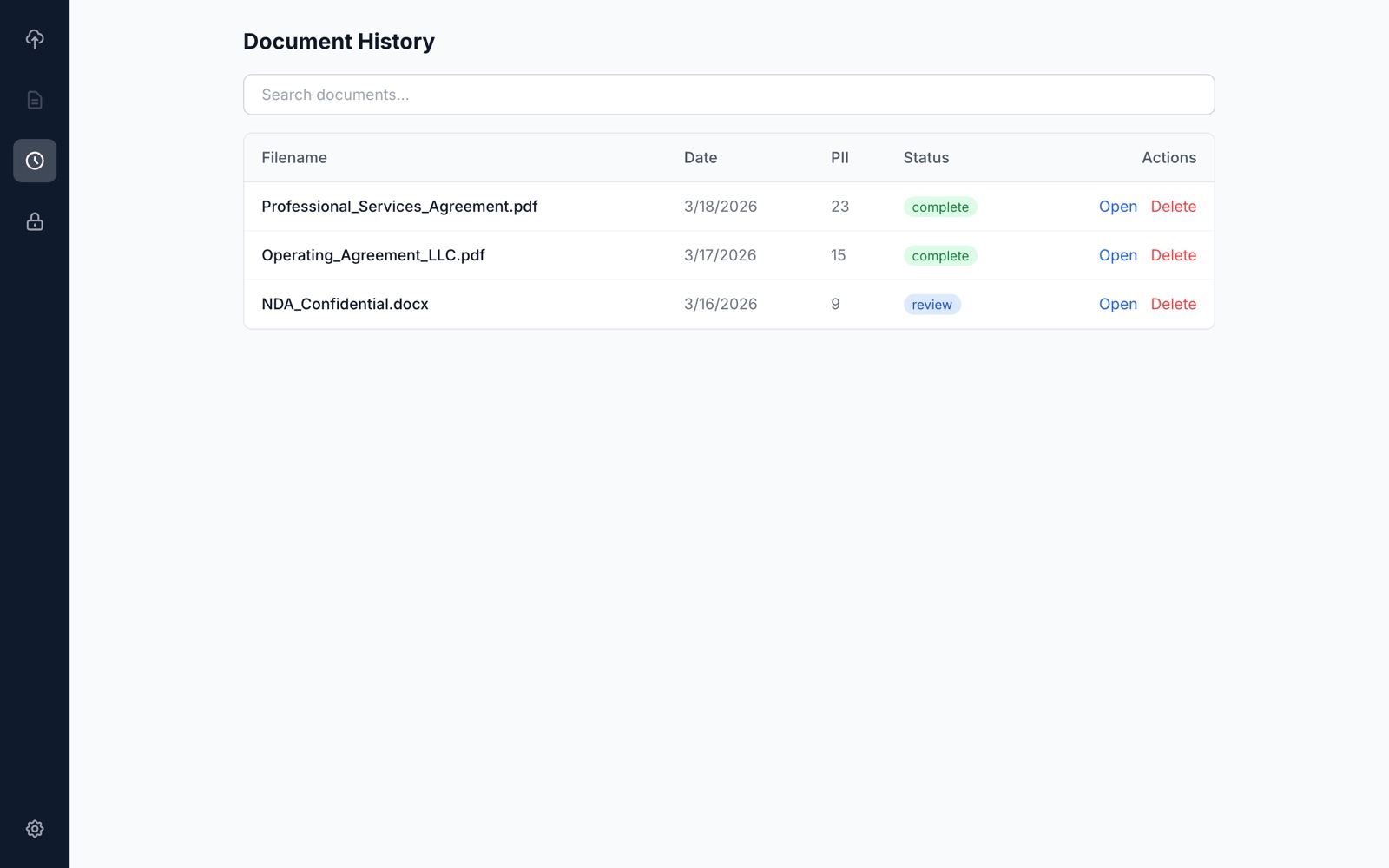
Screenshots are from an earlier version; the current Settings screen adds the AI Model Manager.
Before and after.
A fictitious three-page professional services agreement full of personal data, and a redacted version of it. Try the original in Qvault and compare.
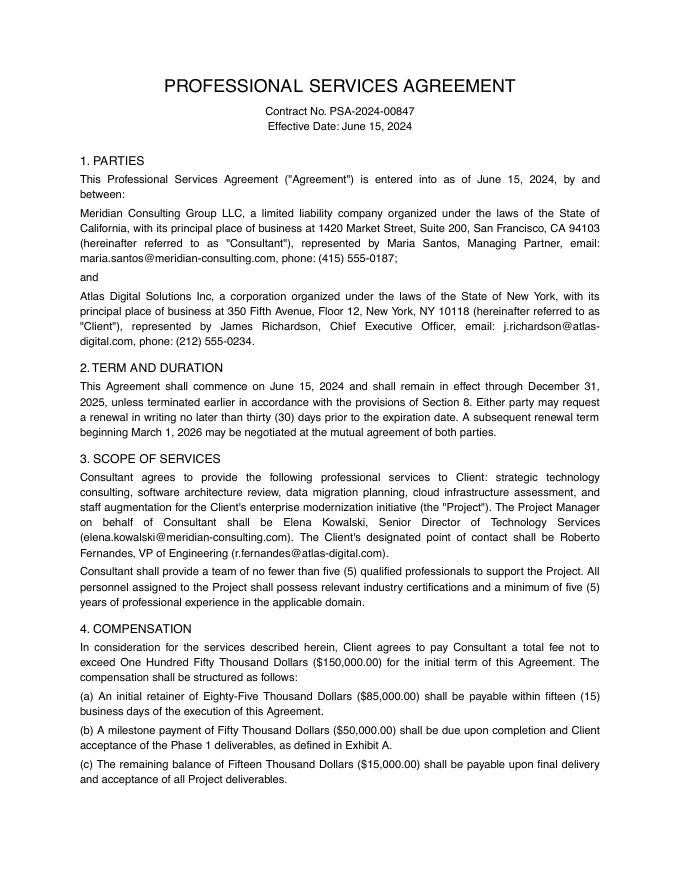
![Page 1 of the sample agreement with personal data replaced by labels such as [PERSON NAME] and [EMAIL].](./assets/demo/demo-cleaned-p1.jpg)
The redacted sample illustrates the result of a full review with category labels. A real PDF export from Qvault burns black boxes into page images, as described above. What Qvault finds on its own depends on the layers you enable; some items in this sample, such as routing and SWIFT codes, may need a manual redaction.
Open-source AI, running on your machine.
Qvault’s AI features run on open models and open-source software. All of it runs locally; nothing is sent to these projects.
QVAC by Tether
Tether’s open-source SDK for local AI. Qvault uses its llama.cpp-based inference and OCR in a bundled helper process that talks only over standard input/output.
OpenAI Privacy Filter default
An open-weight model built for finding personal data: it labels a whole page in one pass and returns exact spans. It is Qvault’s default AI detector, run through QVAC’s ONNX add-on: on our test set it found more and suggested fewer false positives than Qwen3-1.7B, at about 0.2 seconds per page on CPU.
Qwen3
Language models by the Qwen team. Used for the optional thorough pass of Layer 3: Qwen3-1.7B by default, 0.6B, 4B and 8B also available.
EasyOCR and CRAFT
The text detector and Latin recognizer behind on-device OCR, as GGUF files converted for QVAC.
Nomic Embed Text v2
An optional embedding model that adds similarity-based proposals when grouping name variants.
Full licence notices are in ATTRIBUTION.txt.
Free for everyone, forever.
Qvault is released under the MIT License by Santacroce SL. Installers for every platform are published on GitHub.
- macOS (Apple Silicon and Intel)
- Windows
- Linux (.deb, AppImage)
Installers are not yet code-signed. macOS may say the app “can’t be checked”: open System Settings → Privacy & Security and click Open Anyway. On Windows, choose More info → Run anyway in SmartScreen.
Mobile builds exist in the source code, but the AI and OCR features are desktop-only. Need help rolling Qvault out at a firm? Write to info@santacroce.es.