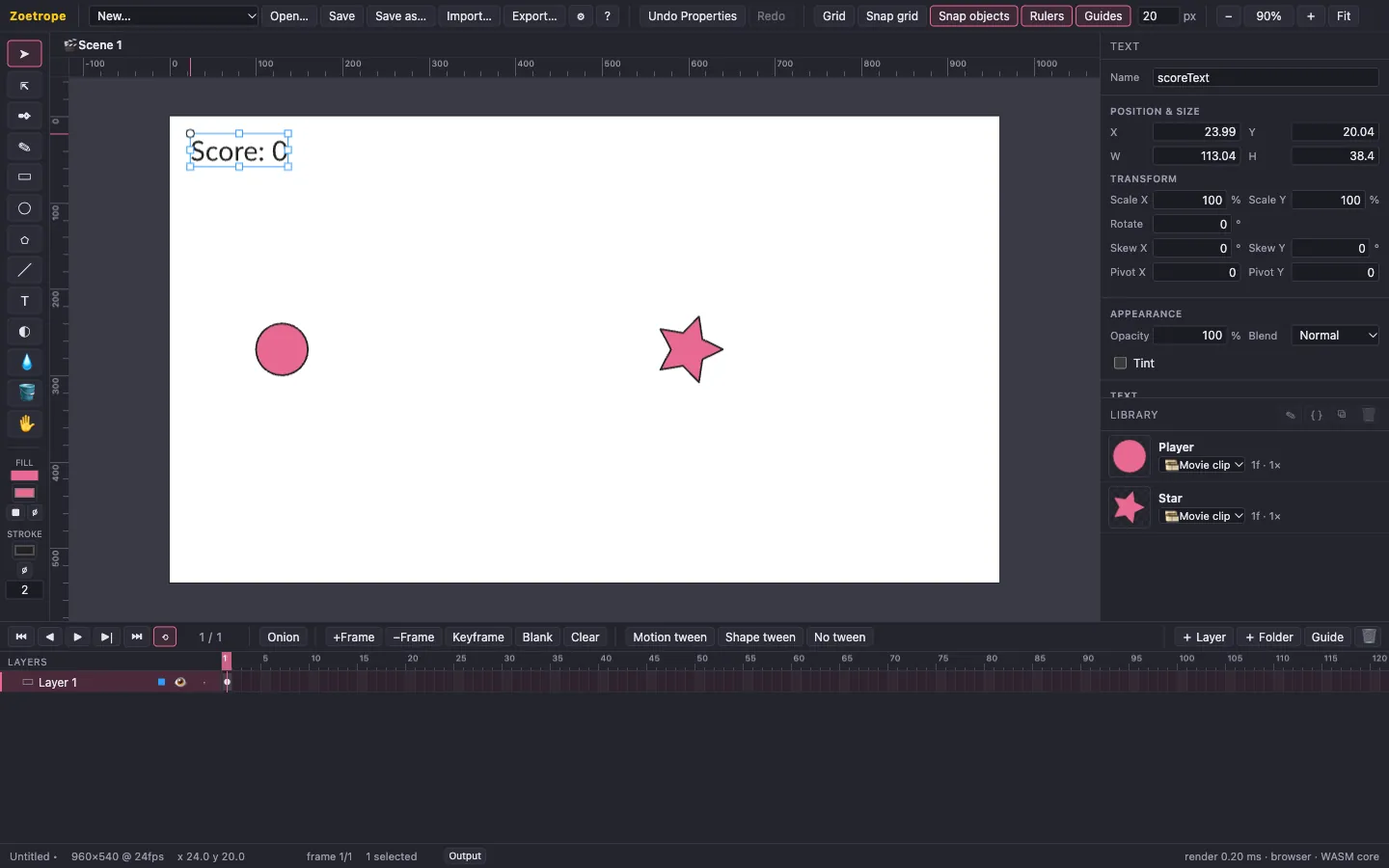
Vector drawing
Rectangles, ellipses, stars, lines, a Bézier pen and a smoothing pencil. Gradients, strokes and dashes, bitmaps, and precise anchor editing, with snapping, rulers and guides.
 Zoetrope
Zoetrope is a free, open-source animation studio in the spirit of Flash. Draw vector art, animate it on a timeline, make it interactive with JavaScript, and export one HTML file that plays anywhere, even offline.
For macOS, Windows and Linux.
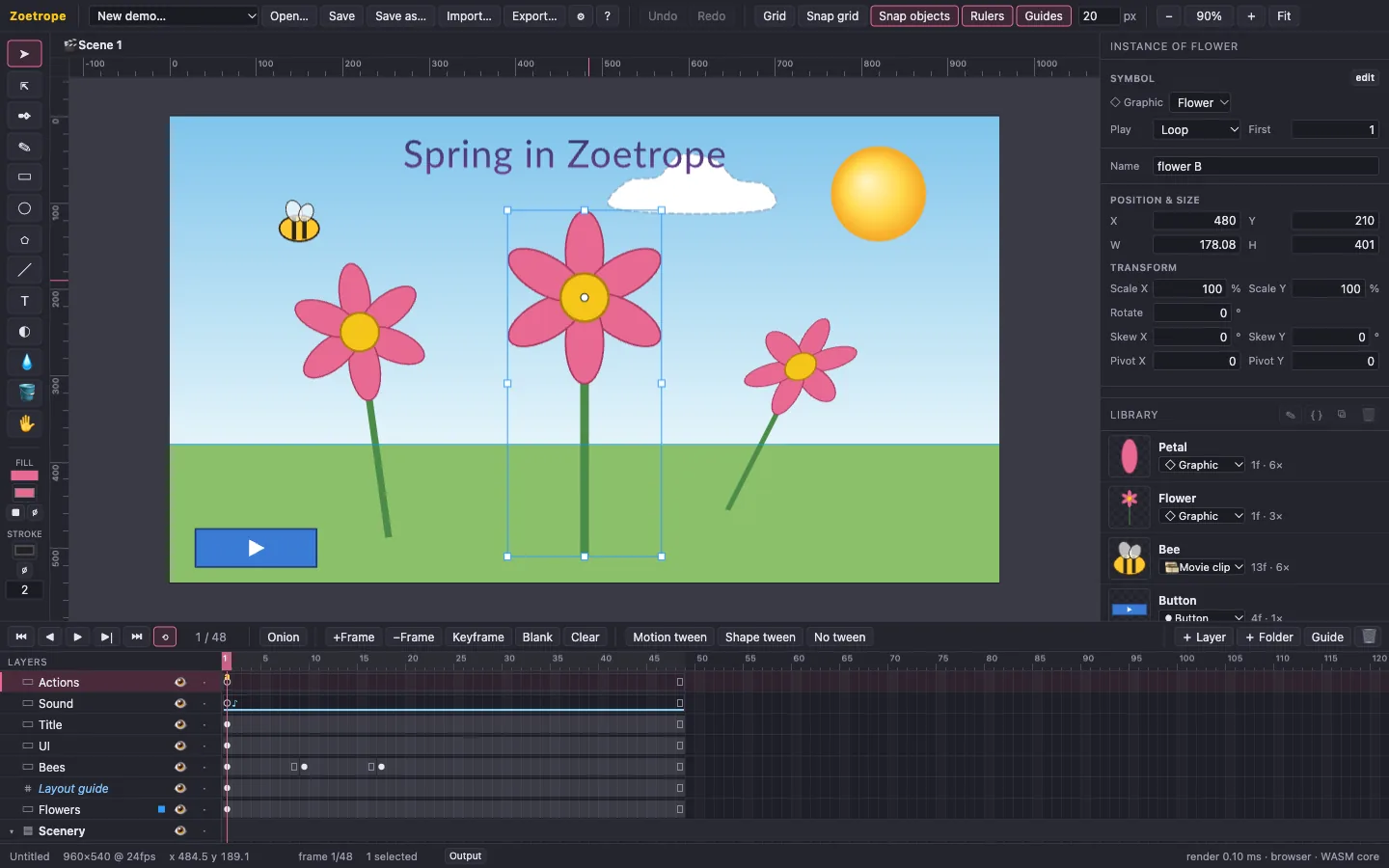
These are real exports, the same single HTML files the app produces, embedded in this page. Click to start.
Rectangles, ellipses, stars, lines, a Bézier pen and a smoothing pencil. Gradients, strokes and dashes, bitmaps, and precise anchor editing, with snapping, rulers and guides.
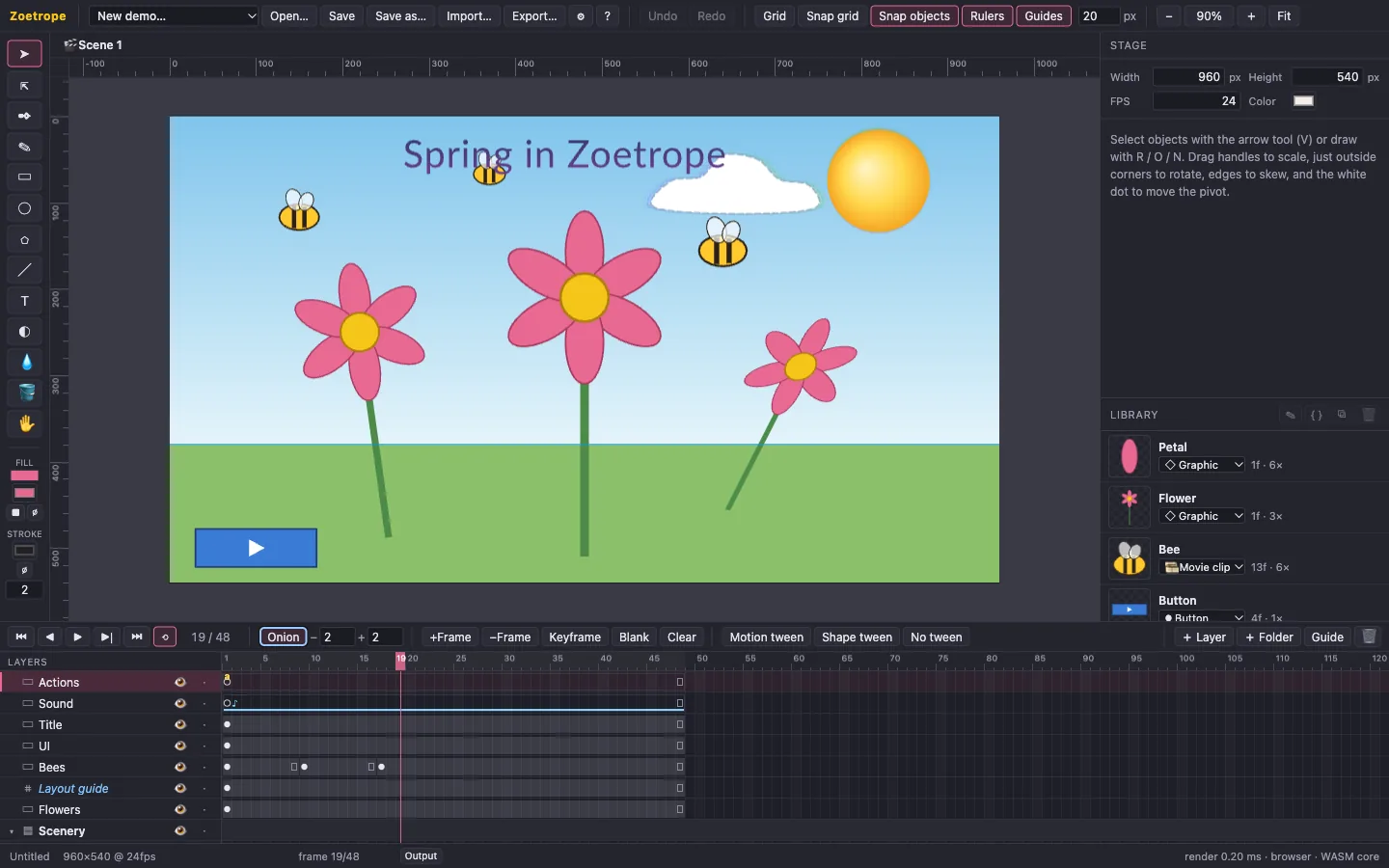
Layers, folders and masks, keyframes, motion and shape tweens with eased or custom Bézier timing, and onion skinning. Frame labels let scripts jump around.
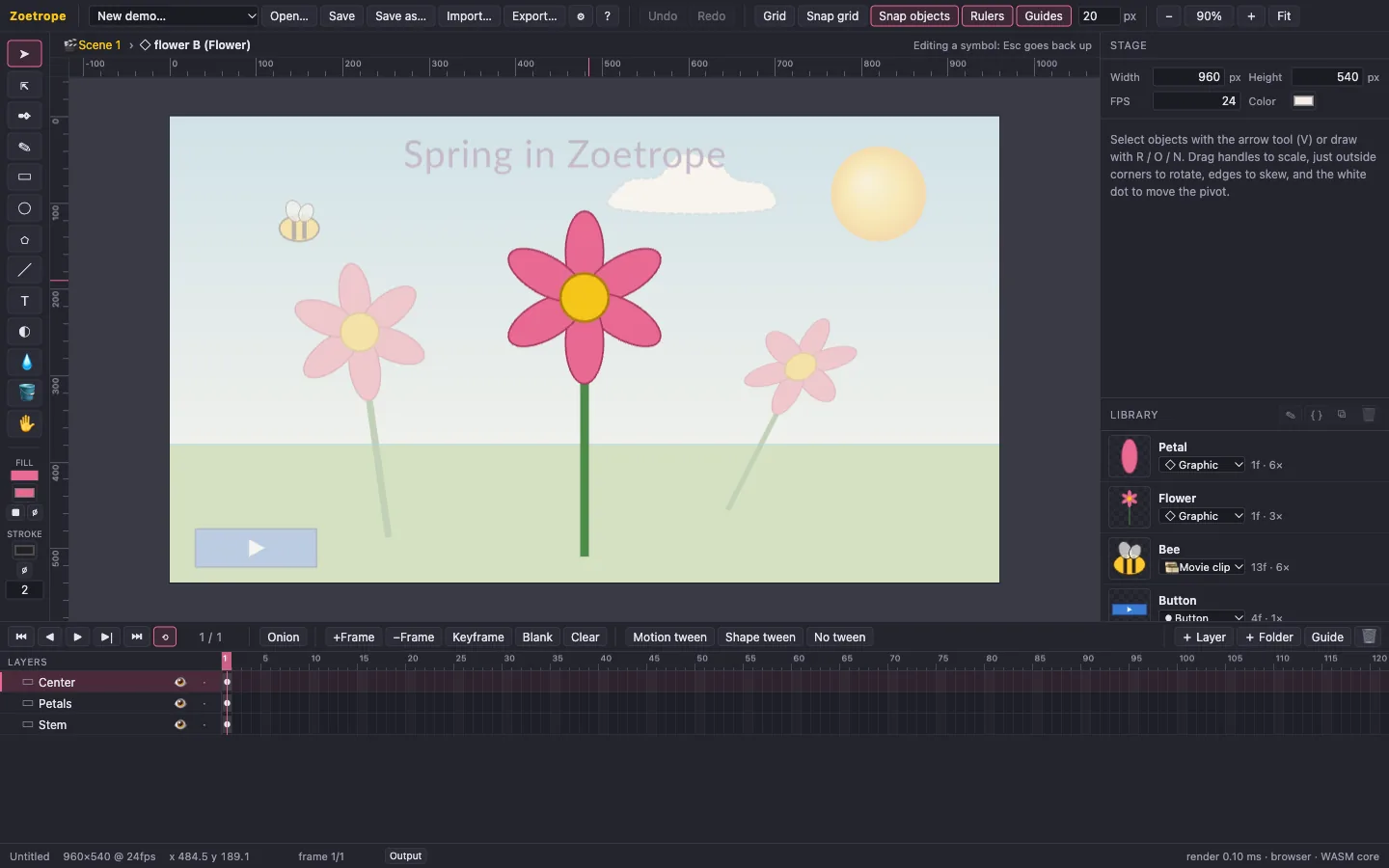
Graphics follow their parent's timeline; movie clips run on their own clocks; buttons have Up, Over, Down and Hit states. Edit any of them in place.
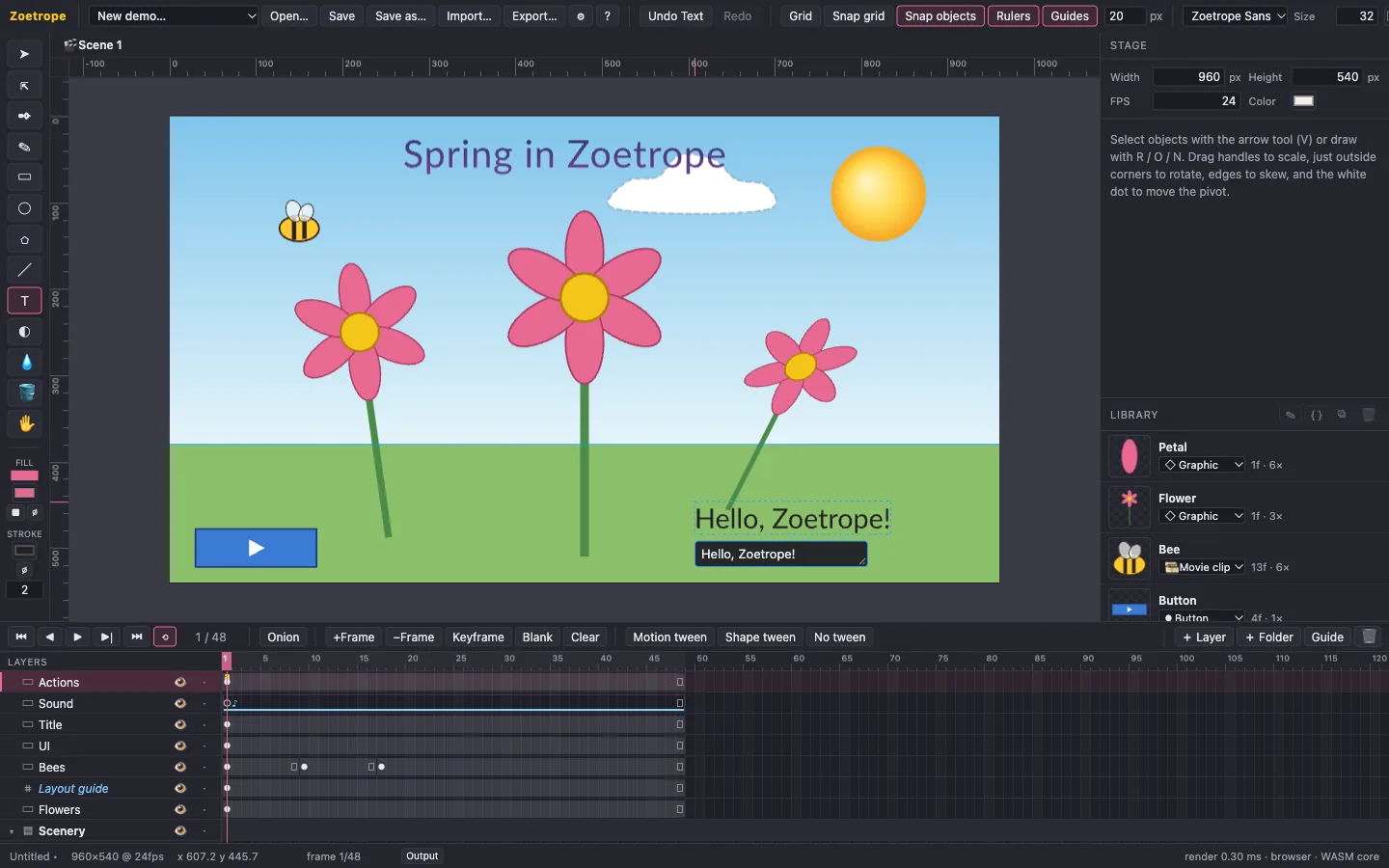
Real typography (kerning, ligatures, wrapping) from fonts embedded in the project, so text looks the same everywhere. Event and stream sounds stay in sync with the timeline.
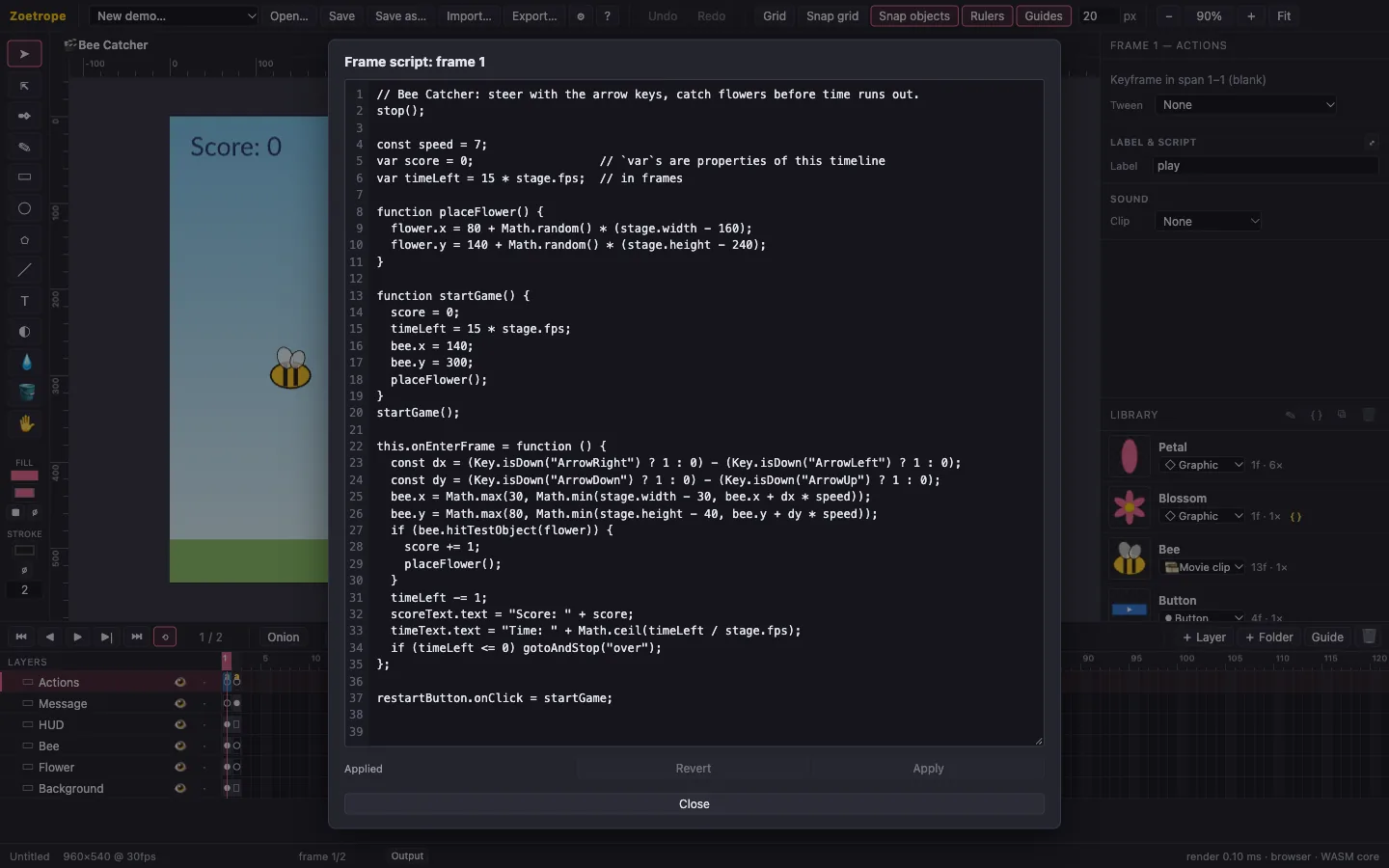
Modern JavaScript with a familiar API: stop(), gotoAndPlay("label"), bee.x += 5, onEnterFrame, hitTestObject, Key.isDown. Scripts run sandboxed, so a bug can't hang the app.
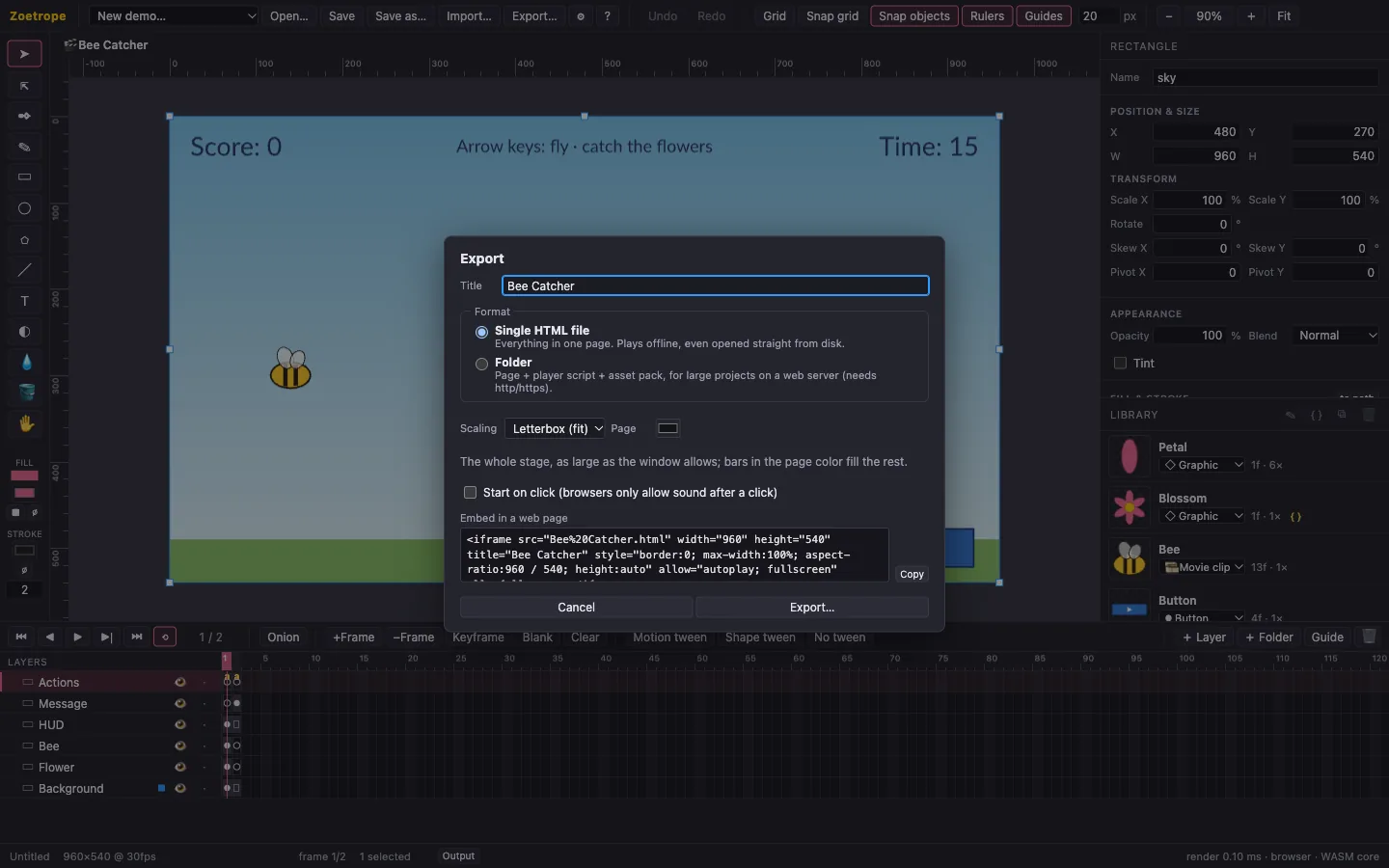
One self-contained HTML file that works offline, or a page plus an asset pack for big projects. Letterbox, fill or fixed scaling, and an embed snippet. It plays exactly like the preview, frame for frame.
Everything that decides what a frame looks like (the scene graph, tweens, text layout, the runtime, script semantics) lives in one Rust core compiled to WebAssembly. The editor's preview and every exported page run that same core, and every release checks frame-by-frame fingerprints between them.
Projects are plain, versioned JSON with your images, fonts and sounds embedded, so a file opens the same way years from now. Unsaved work is autosaved and offered back after a crash. Undo covers every operation.
Free, open source, no account needed.
One universal app for Apple Silicon and Intel Macs.
Windows 10 and 11, 64-bit.
64-bit, WebKitGTK 4.1 (Ubuntu 22.04+, Debian 12+, Fedora 37+): AppImage, .deb or .rpm.
No install: the full editor in Chrome, Edge, Firefox or Safari 16.4+. Projects save as downloads.
The installers aren't code-signed yet, so the first launch shows a warning: on macOS, right-click the app and choose Open; on Windows, choose More info → Run anyway. Install guide · All releases and checksums